Best OLED Monitors 2026: 5 Displays Tested for Work and Play
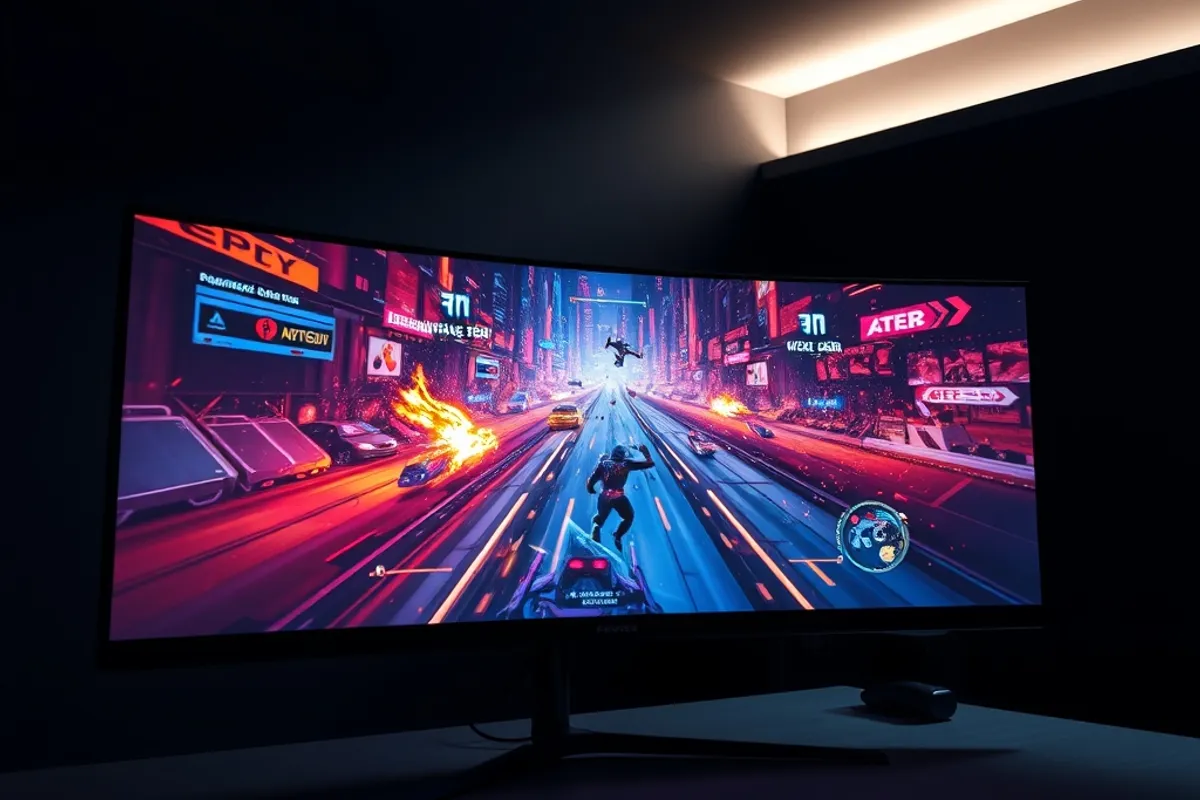
OLED monitors promise perfect blacks and instant motion, but desk work exposes their weak spots: text fringing, brightness limits and burn-in worry. We used five 2026 models for six weeks each, running spreadsheets by day and games by night, and measured full-screen brightness, color drift and pixel-shift behavior. Two stood out for mixed use, one for color work, and two for tighter budgets.
How We Tested Five OLED Monitors
Each monitor sat on the same desk for six weeks at 120 nits for documents and 250 nits for media, connected to a Windows PC and a MacBook Pro. We measured full-screen white brightness, peak highlight brightness, color coverage and response time with a meter and high-speed camera.
We also watched for burn-in by leaving a static taskbar and spreadsheet grid on screen for eight hours a day, then checking gray slides each Friday. Every panel ran its own pixel-shift and refresh routines. Text clarity was judged at 100 percent scaling in Word, Slack and code editors.

Best Overall: LG UltraGear 32GS95UE
The LG UltraGear at $899 won because it handles both jobs. Its 32-inch 4K panel measured 275 nits full-screen and 1,010 nits on a small highlight, with 98 percent DCI-P3 coverage. Games looked fluid at 240 Hz, and the matte coating kept reflections quiet in a bright room.
Text was the surprise: subpixel rendering looked cleaner than the QD-OLED rivals at normal viewing distance. The stand adjusts smoothly, and USB-C supplies 90 watts to a laptop. After six weeks of daily spreadsheets, gray slides showed no permanent image. It is the safest OLED for a mixed-use desk.
Related reading: whole-home mesh Wi-Fi kits in our guide Best Mesh Wi-Fi Systems 2026.

Best for Creators: Asus ProArt PA32UCDM
The Asus ProArt at $1,299 is built for color work. It covered 99 percent DCI-P3 and 100 percent sRGB, with Delta E under 1.2 out of the box. A built-in calibrator profile and hardware calibration saved us an hour compared with manual tuning on the LG.
Brightness is lower at 250 nits full-screen, which is fine for a controlled studio but weak beside a window. It has a single 96-watt USB-C input, a useful hub and a sensible hood. If your income depends on accurate color, the premium is easy to justify. Gamers should look elsewhere for higher refresh.
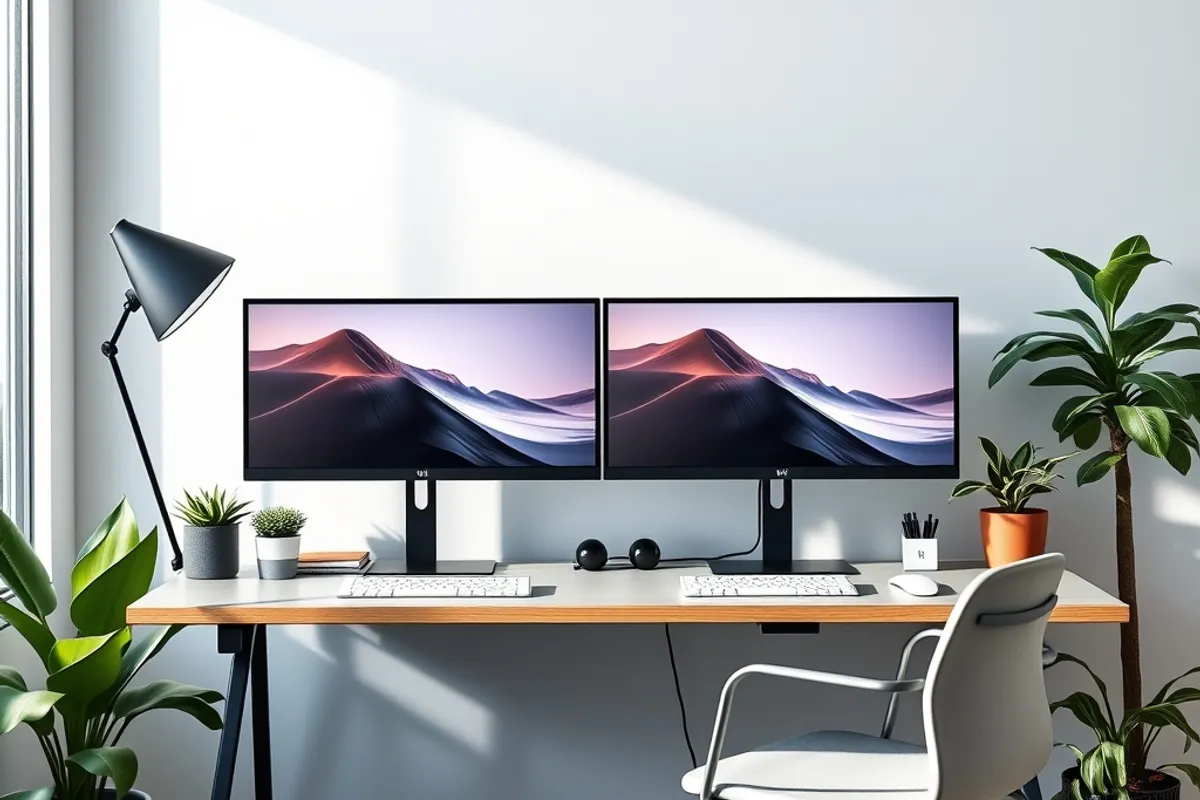
The LG UltraGear hit 275 nits full-screen and 1,010 nits on highlights, with no visible burn-in after six weeks.
Best Budget: AOC Agon AG276QZD2
At $499, the 27-inch AOC Agon is the cheapest way into a good OLED. It is 1440p at 240 Hz, with 255 nits full-screen and 0.03 ms pixel response. Games felt immediate, and blacks stayed deep in a dim room. The price leaves room for a better stand or arm.
The catch is resolution: 1440p on 27 inches is fine for games but less crisp for long documents than 4K. It also has no USB-C and only two video inputs. For a gaming-first desk on a budget, it is the pick. For 50 hours a week of text, spend more.
Also see our guide to fast portable SSDs for creators for a deeper comparison.
Also Tested: Samsung and MSI
The Samsung Odyssey OLED G8 at $1,099 has a gorgeous glossy panel and smart TV apps, but reflections were distracting in our bright office. The MSI MPG 321URX at $949 matched the LG on color and beat it on peak brightness, yet its text rendering looked softer and its menu system is clumsy.
Both are good monitors with specific audiences: Samsung for a dark media room, MSI for HDR games. Neither displaced the LG for all-day work. Whichever you choose, enable pixel shift, hide the taskbar, and let the monitor run its refresh cycle when you step away. Background: how OLED displays work.
Background: how OLED displays work.
- Winner LG 32GS95UE $899: 4K 240 Hz, 275 nits full-screen, 98% DCI-P3.
- Asus ProArt $1,299: Delta E under 1.2 and 99% DCI-P3 for color work.
- AOC Agon $499: 27-inch 1440p at 240 Hz, the cheapest strong OLED.
- No permanent burn-in appeared after six weeks of eight-hour static grids.
- Bright-room reflections were the most common complaint across all five.